SMS Module
1 What is?
This submodule covers sent SMS messages, instant notifications.

2 About whom?
This submodule is used by all TAGTAŞ users with user accounts.
3 Main Features
This module contains two basic communication tools.
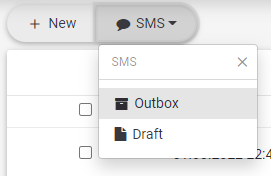
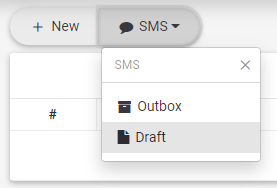
1.User SMS: It contains outgoing SMS messages as well as unsent draft SMS messages.
a.Outbox
b.Draft
A.Outbox

C.Draft

2.System Instant Notification: They are instant alarms and notifications produced by system components. It can appear on the screen for a short time, or it can be sent to the personal mobile phone number of the user as SMS message.
a.Outbox

3.1 Creating New SMS
1.A new SMS is created with this button.
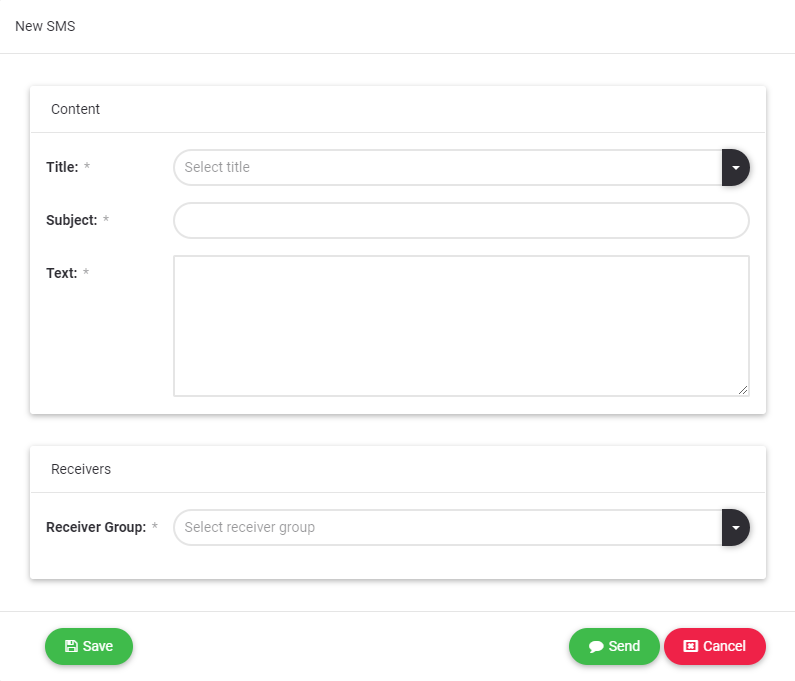
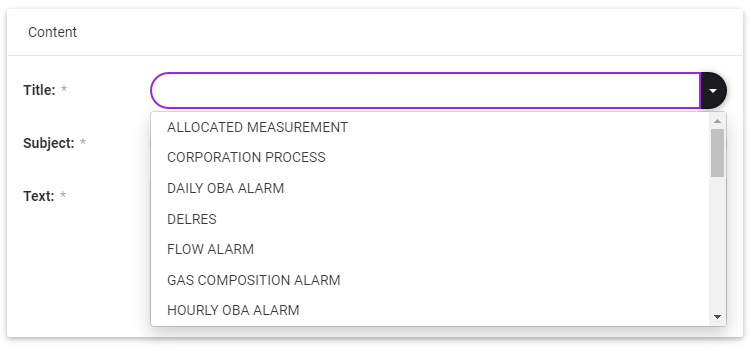
a.Subject titles defined with "Title" can be selected
b.Receivers: There are 3 different receiver groups.
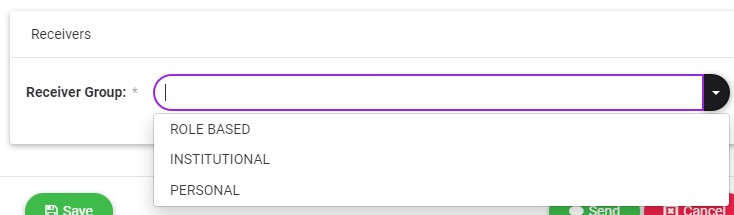
1.Role Based: More than one selection can be made from the defined roles. The created SMS is sent to all active users with the selected roles.
2.Institutional: More than one selection can be made from the companies defined in the system. The created SMS is sent to all active users who are employees of the selected institution.
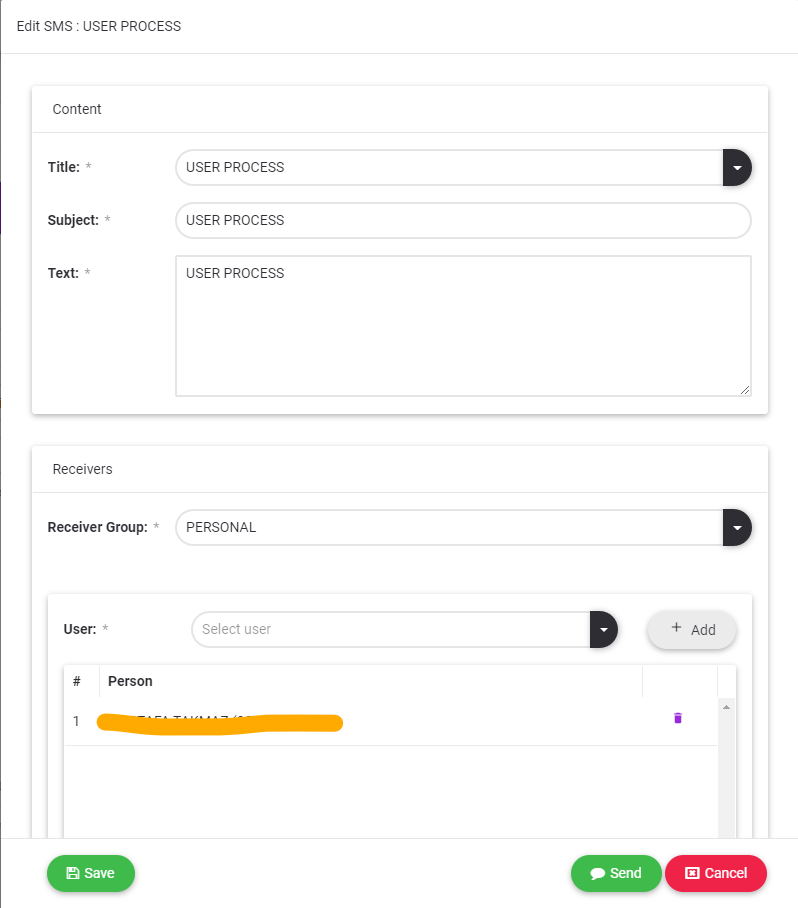
3.Personal: More than one selection can be made from the people who have a user account defined in the system. SMS messages are sent to selected users. There are two cycles that can be selected.
3.2 Editing SMS
SMS messages in the draft box can be re-edited and saved or sent.

3.3 Deleting SMS
SMS messages can be deleted in 3 different ways.
1.Using the Delete All  button depending on the SMS selection on the list. All selected SMS messages are deleted.
2.Click the delete button at the end of the SMS row. 
3.Using the Delete button in the SMS detail.

3.4 Forwarding SMS
All SMS messages can be forwarded to. With the Forward button, the SMS with its content move to the new SMS form.

3.5 Listing Features
3.5.1 Delete All
Deletes all selected SMS messages which are sent or saved as draft. 
1.1Export File
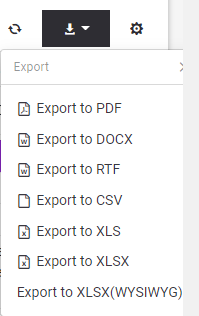
To export the SMS messages list which are sent or saved as draft to outside as a file, should be  clicked export button and chosen appropriate file type.