
Role Authorizations
1 What is?
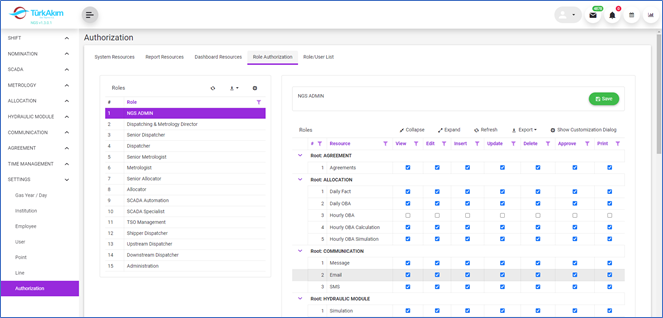
This section covers the features of accessing system components. Each user group is defined as a user role and has certain access privileges. Accessing (viewing) the pages that are available for use in the system, and operation (adding, editing, deleting, reporting) on the accessed pages constitute the authorization part of the role.
2 About whom?
This section is used by Admin.
3 Main Features
3.1 Listing Features
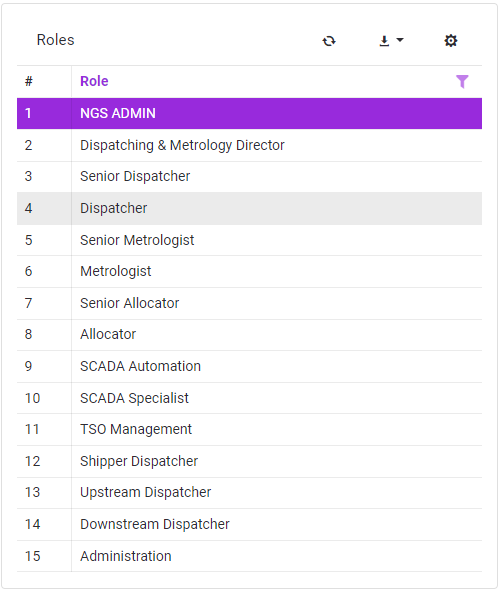
•A role is selected in the "Roles" list on the left side of the screen.
•Authorizations defined for the role selected from the authorization list on the right part of the screen are allowed or granted permissions are removed.
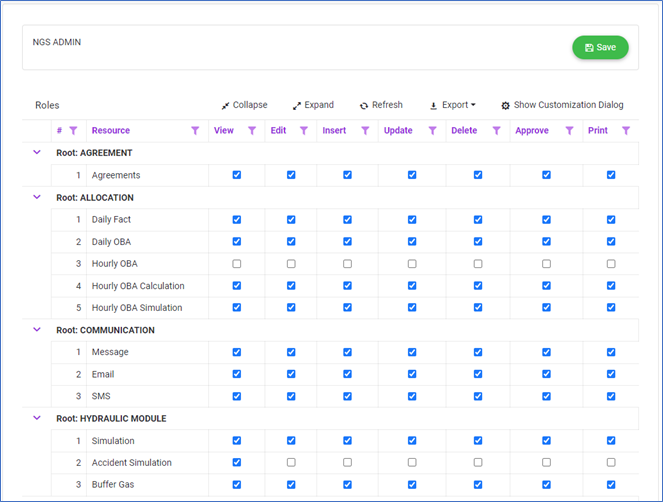
•Click the Save button at the top of the screen to  button the changes made.