Dashboard Resource
1 What is?
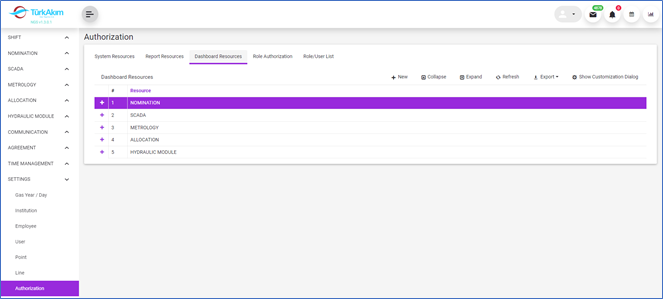
This submodule provides the identification and management of the reports and statistical resources in the system.
2 About whom?
This section is used by Admin.
3 Main Features
3.1 Listing Features
•A new dashboard resource is defined with this button. 
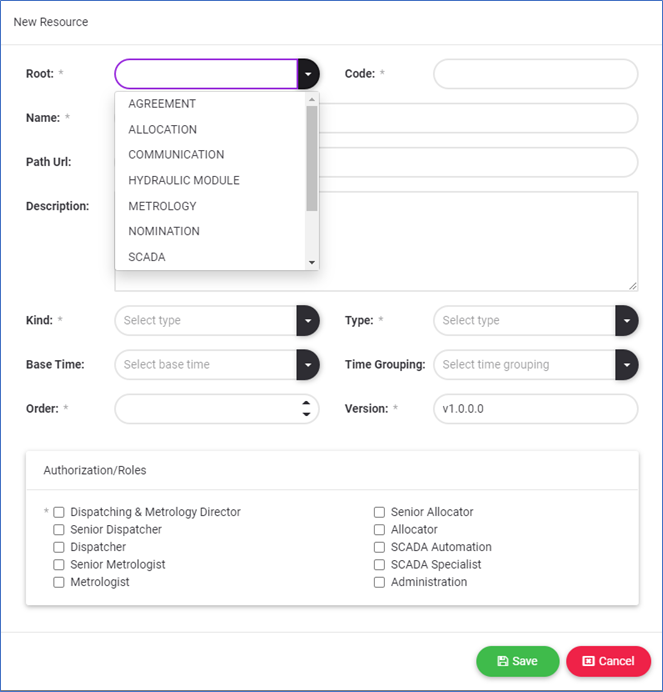
oThe module to which the dashboard depends on selected from root list.
oThe code and name of the dashboard resource are required.
oThe data source of the dashboard item should be clearly described.
oThe URL address of the dashboard resource will be assigned by the software development unit after development.
oIt is mandatory to define the roles authorized to use the dashboard resource. Authorization for the dashboard item can be updated later.
•In addition to the general listing features in the system,  and
and  feature of all row details can be used.
•The detail of the row related to  the button at the beginning of the row can be expanded.
•In Detail listing, all features of listing can be used.
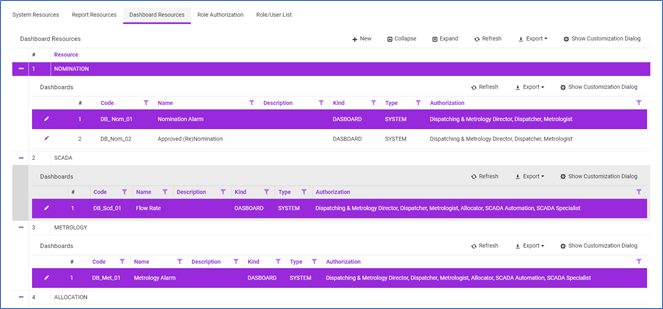
•The defined report resource is edited with this button. 
3.2 Dashboard Customization
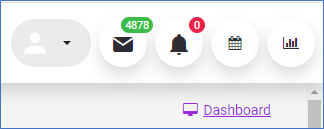
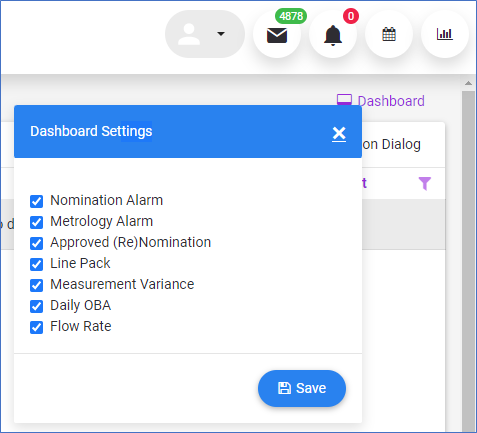
With the "Dashboard Setting" button on the home page, the dashboard view on the home page can be customized.