Received Alarms SubModule
1 What is?
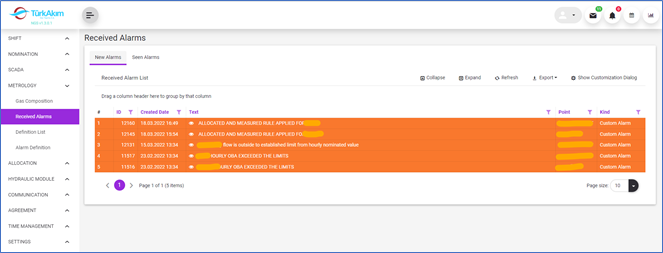
This submodule provides the list of received custom and SCADA alarm in the system.
2 About whom?
This section is used by Dispatcher Director, Dispatcher, SCADA Automation, and Metrologist.
3 Main Features
3.1 Listing Features
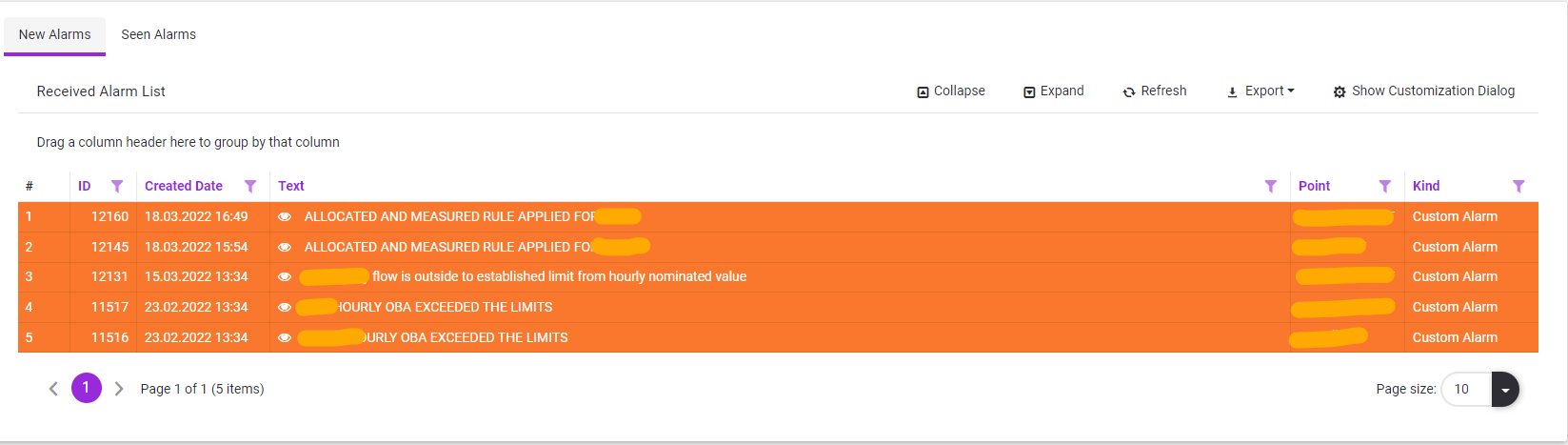
3.1.1 New Alarms
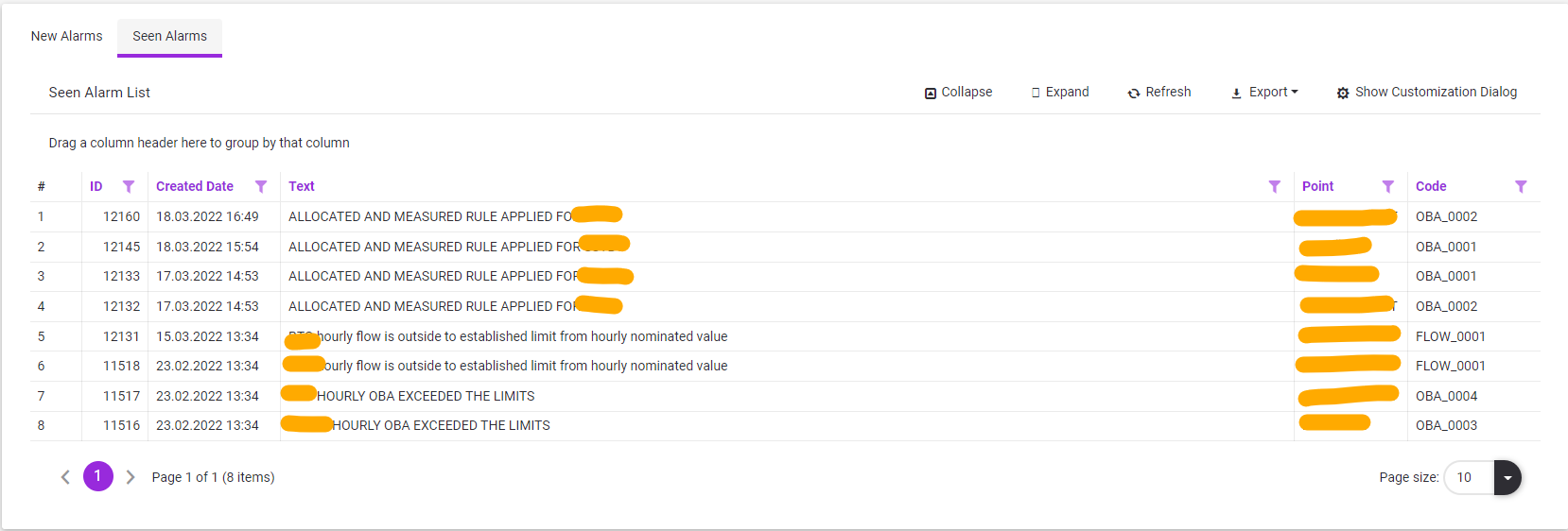
3.1.2 Seen Alarms
3.2 Alarm Evaluation
1.When any value is detected in accordance with the alarm definitions, an automatic alarm is generated in accordance with the alarm definition.
2.The generated alarm is displayed on a Red background in the New Alarms list.
3.If it is indicated by any user with the  "SEEN” button, its background turns yellow, and the Alarm is displayed in the Seen Alarms list.
4.If the alarm values return to normal, the alarm is automatically removed from the New Alarms list.
5.User roles specified in the alarm definition are also informed in defined message types.
6.In addition to the general listing features in the system,  and
and  feature of all row details can be used.
7.In Detail listing, all features of  listing can be used.
3.3 Export File
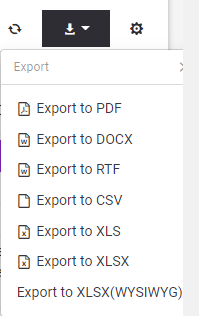
To export the gas flow list to outside as a file, should be clicked  export button and chosen appropriate file type.