Journal
1 What is?
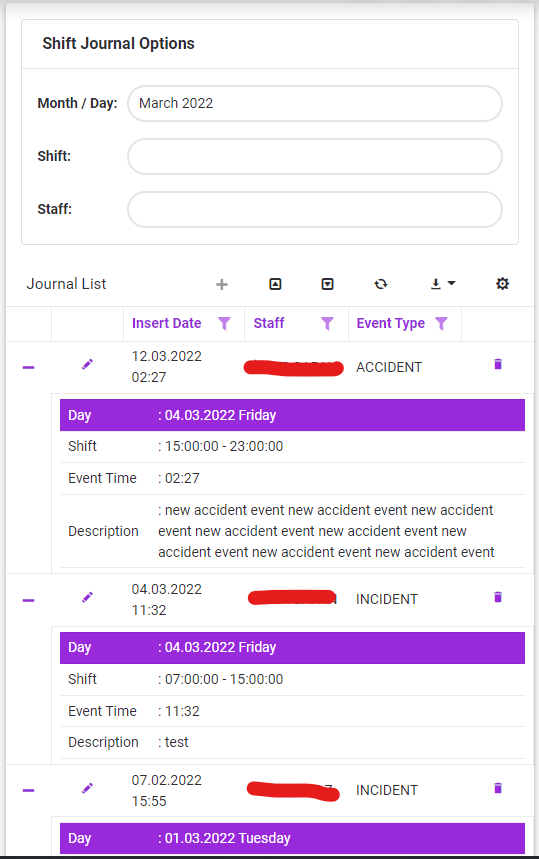
In this section, it ensures that the events and transactions that occur during the shift are recorded by the dispatchers on duty.
2 About whom?
Since the system is parametric, it is in a structure that can be changed by the authorized or the system administrator. But basically, this section has been developed for the use of:
This submodule is used by Dispatcher.
3 Main Features
3.1 Add New Journal
To create a new journal record, should be followed the steps below.
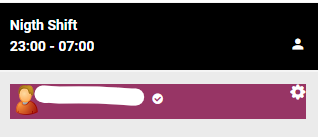
1.Select staff from the schedule (specific day - shift timeframe)
2.Click to  button.
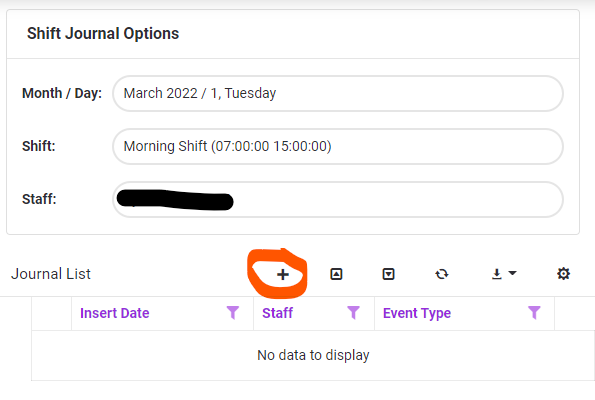
3.Event details are entered with event type, event date and event time on the displayed screen.
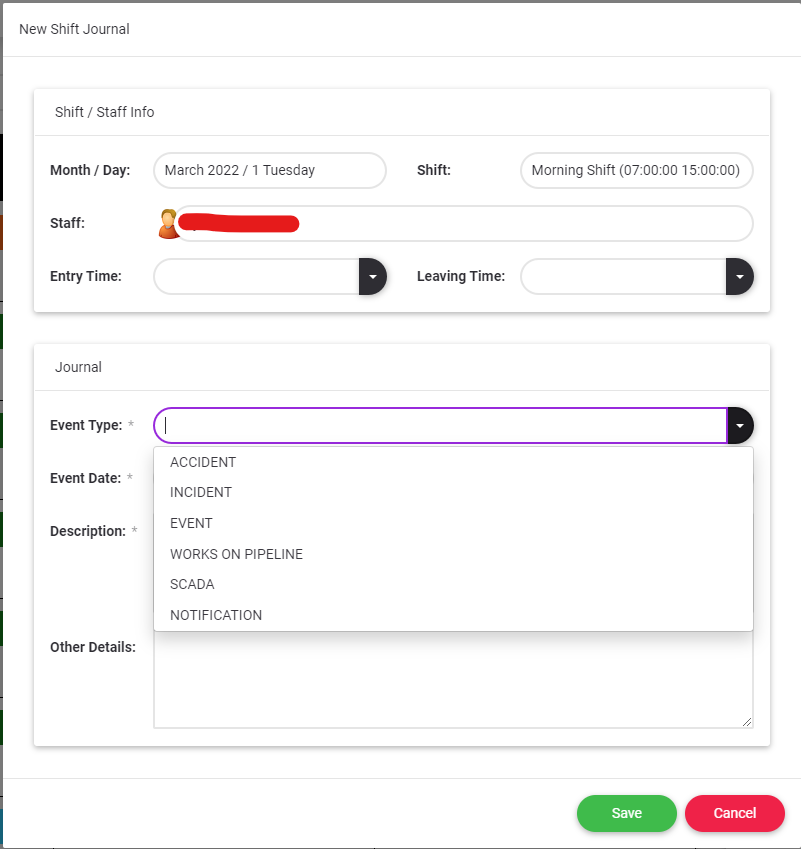
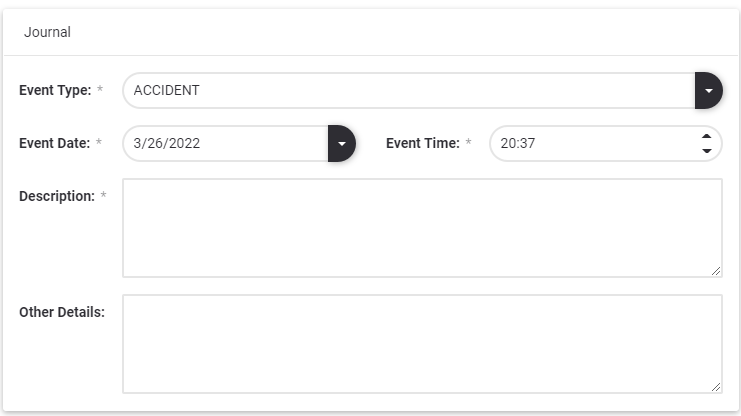
4.Click to  button.
 button closes the screen without making any changes on the form.
3.2 Update Journal
To update a journal record, should be clicked edit  button
3.3 Delete Journal
To delete a journal record, should be clicked delete  button.
3.3 Export Journal
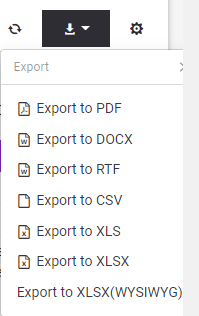
To export the journal list to outside as a file, should be clicked export  button and chosen appropriate file type.