Grid Export
How can i Export?
•It is possible to export the data displayed on the screen with the Export button on the upper band (right) of any table.
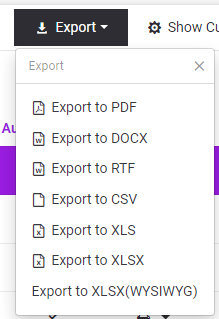
•After pressing the Export button, which file type is requested as output is selected by clicking the appropriate option in the list.
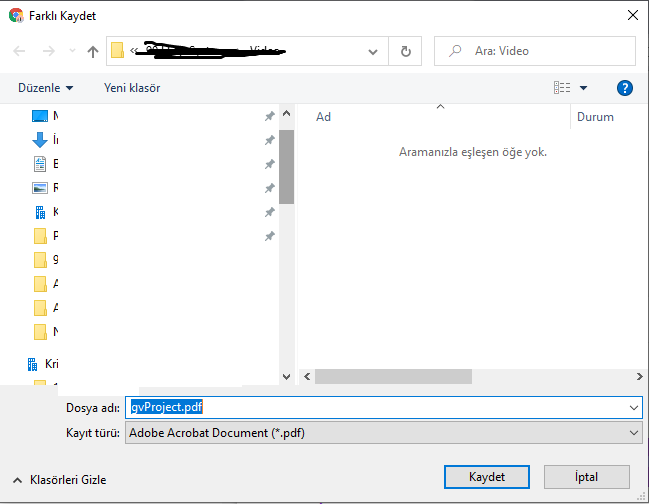
•After this selection, the following screen appears to be saved as the relevant file to the user's device by the system.
•The user performs the save operation from here.