
Delord SubModule
1 What is?
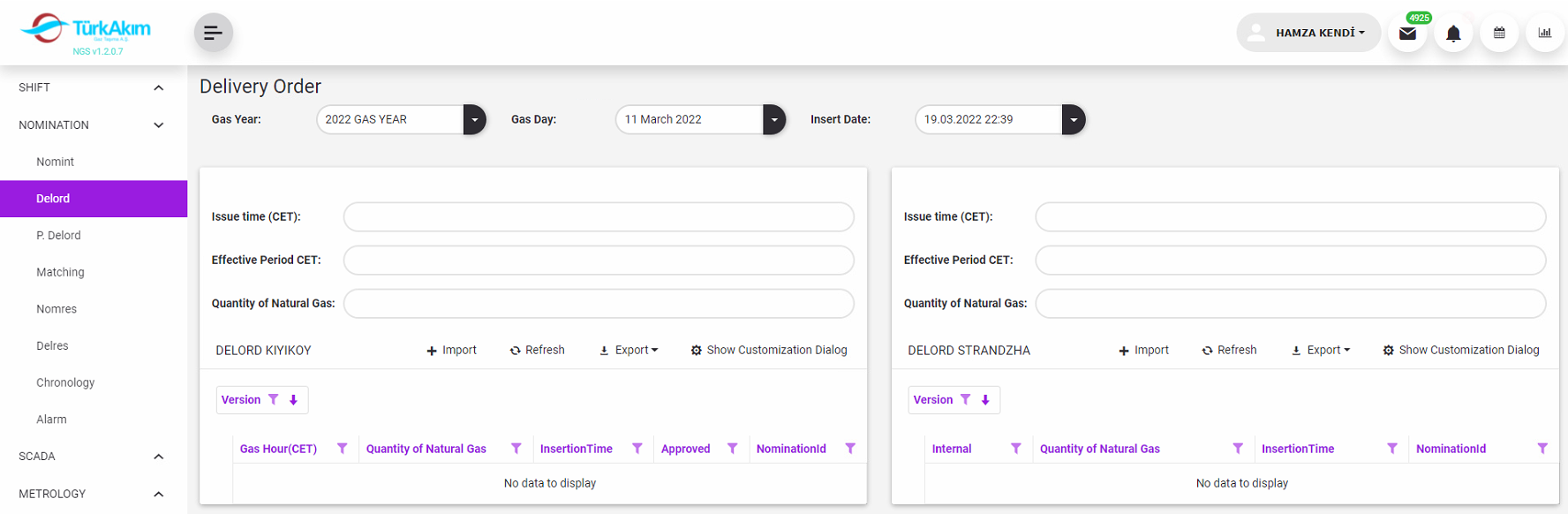
This Submodule lists Delord Messages which are sent by SSTTBV and BTG to TAGTAS. In addition, delords can be created by manually uploading delord documents by dispatchers via this module.
2 About whom?
Since the system is parametric, it is in a structure that can be changed by the authorized or the system administrator. But basically, this section has been developed for the use of:
This submodule is used by dispatchers.
3 Main Features
In this module, Delord messages are listed.
By selecting the gas year and gas day, the delords sent for the relevant gas day are listed.

Delords for the entry point(KIYIKOY) are listed on the left side of the screen, and delords for the exit point(STRANDZHA) are listed on the right.
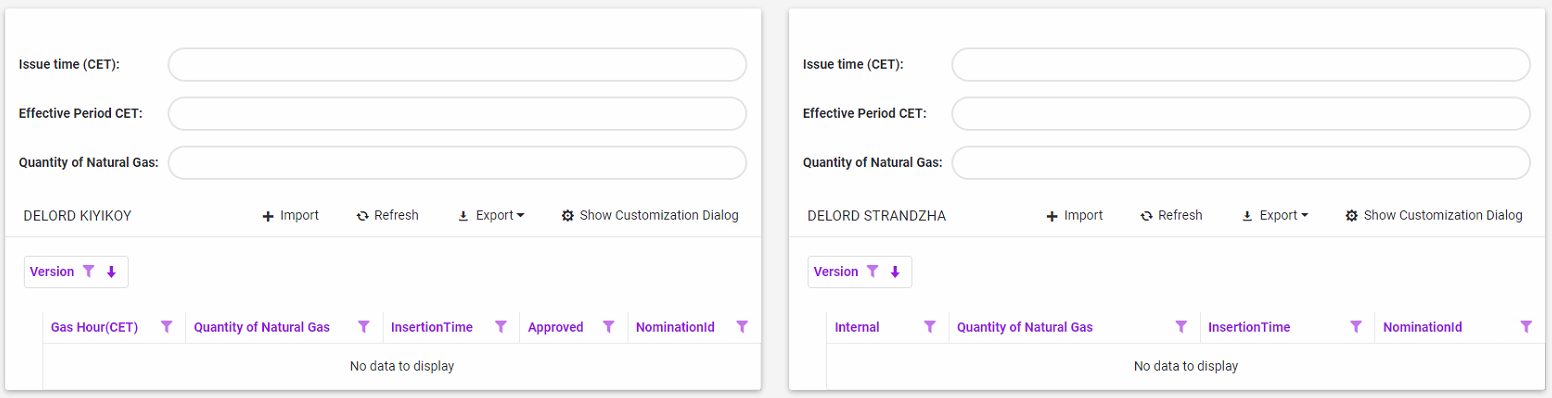
By using Import button, nomination document (excel file) can be imported to system.

4 Sample Scenarios
5.1 Creating Delords Manually
1.Choose Gas Day and Insert Date.

Insert Date is very important. Because the system matches the Delord with Nomination according to the insert date
2.Press import button in the grid toolbar.

3.It opens Delivery Order Document popup window.

4.Press Browse button to select Delord Entry Document.
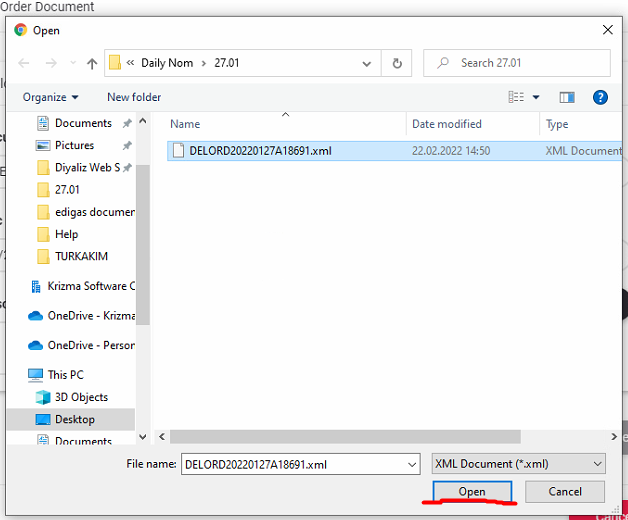
Select File and press Open.
5.Press Upload File

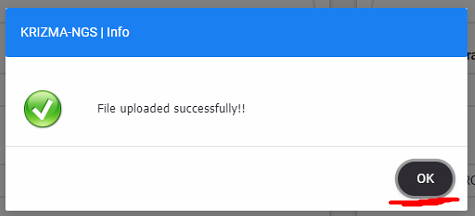
After pressing upload file button, Delord submodule reads excel and process. And then Info message is shown. Press OK button in Info Message window.
6.Delord is listed on the grid.
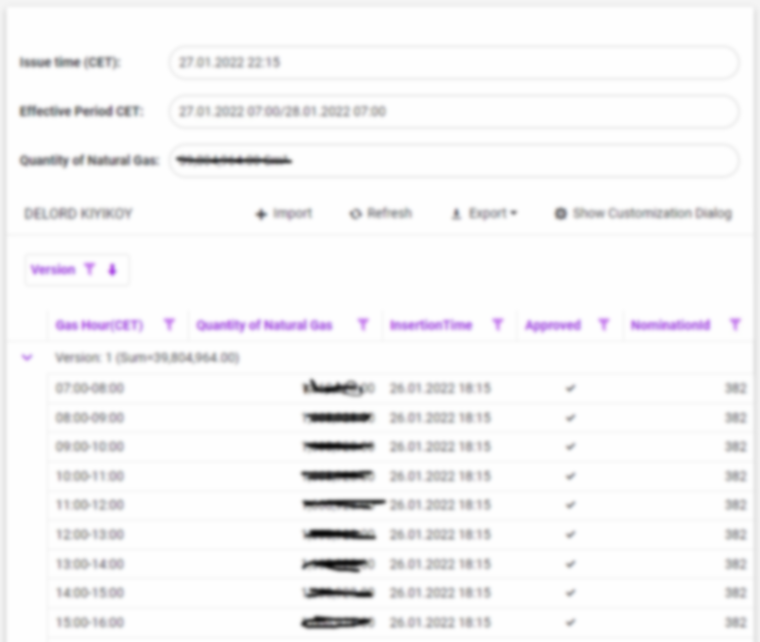
7.First 6 item is applied for Exit Point
8.After Exit Delord are saved, If Nomination amount is different from Delord Amount, delord submodule will send post delord message to GPE automatically.
5.2 Creating Delord Messages Automatically (Over AS4)
If SSTTBV and BTG send Delord Messages over AS4, KYNGS AS4 Communication system receives Delord Messages automatically and transmits data to KYNGS Delord Module.
After Delord Messages received, If Nomination amount is different from Delord Amount, delord submodule will send post delord message to GPE automatically