Assignment
1What is?
This section allows to create a monthly schedule and assign staff to monthly schedule.

2About whom?
Since the system is parametric, it is in a structure that can be changed by the authorized or the system administrator. But basically, this section has been developed for the use of:
This submodule is used by Dispatcher Director.
3Main Features
The first step of the Shift module starts by assigning the appropriate shift time template for the selected month.
3.1Create Schedule
1.Select a month
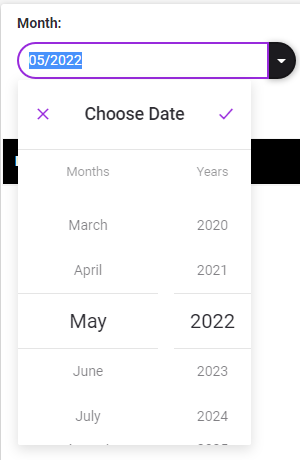
2.Click to  button. Create Schedule from will be displayed.
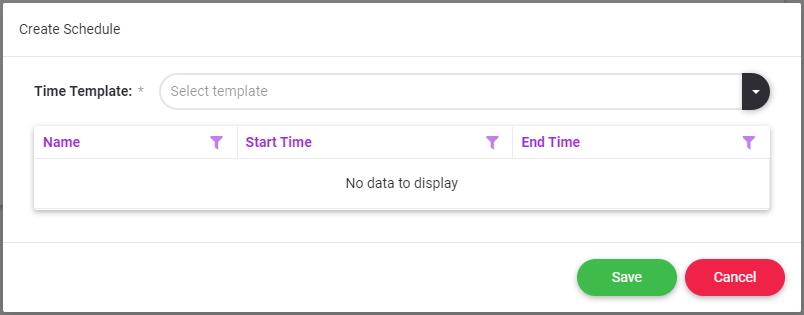
3.Select Time Template
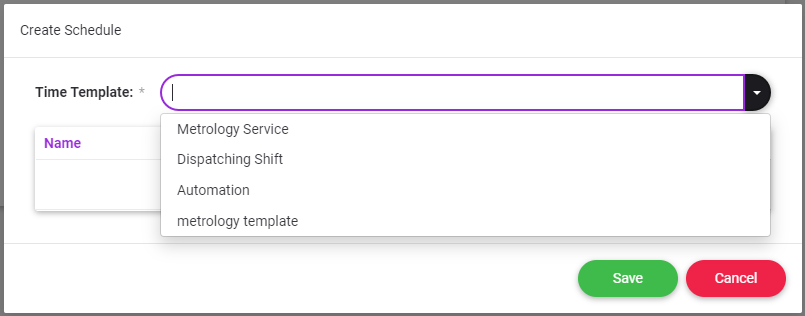
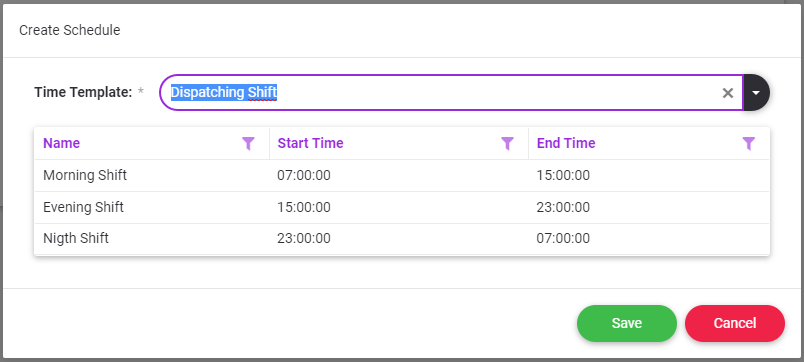
4.Click to  button.
 button closes the screen without making any changes on the form.
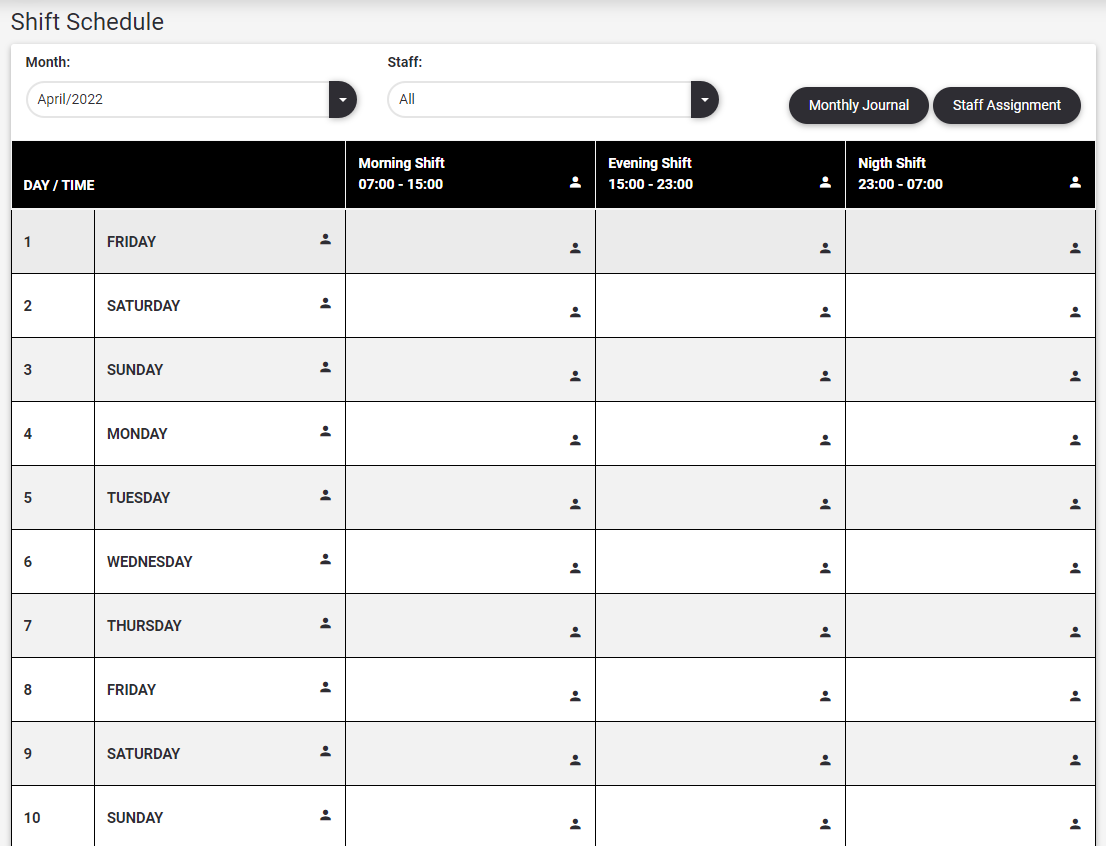
5.The system will create the Monthly Schedule as follows according to the selected shift time template
3.2Staff Assignment
The assignment of the personnel to work in the shift is done in this section.
Staff can be assigned in 4 different ways.
1.With the  button
Multiple staff assignment can be made with the lists defined below.
a.All active employees,
b.All days of the month and
c.All shift timeframes are listed.
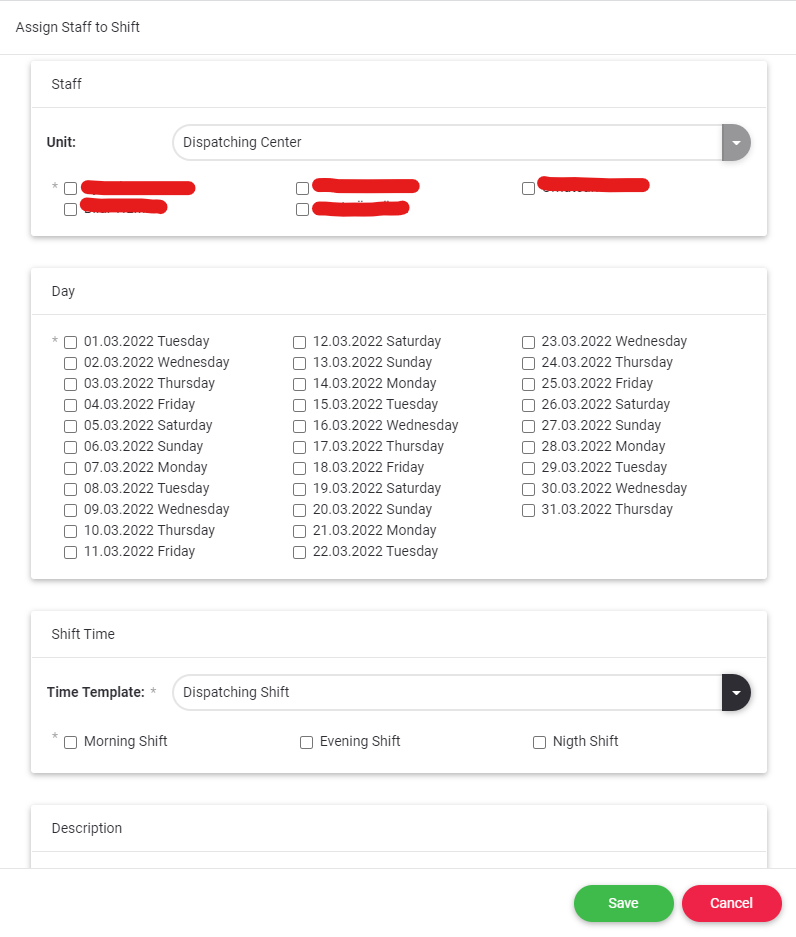
2.Day Based
Click on the icon  under the selected day. Staff assignments are made only for the selected day.
a.All active employees and
b.All shift timeframes are listed.
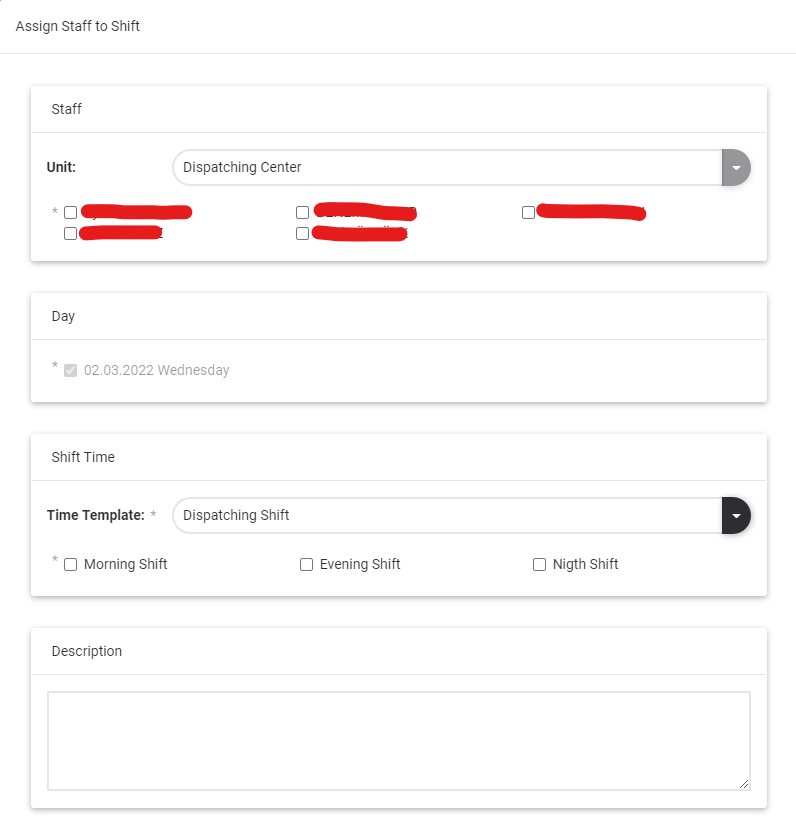
3.Shift Timeframe Based
Click on the icon  under the selected shift time frame. Staff assignments are made only for the selected shift timeframe.
a.All active employees and all days of the month are listed.
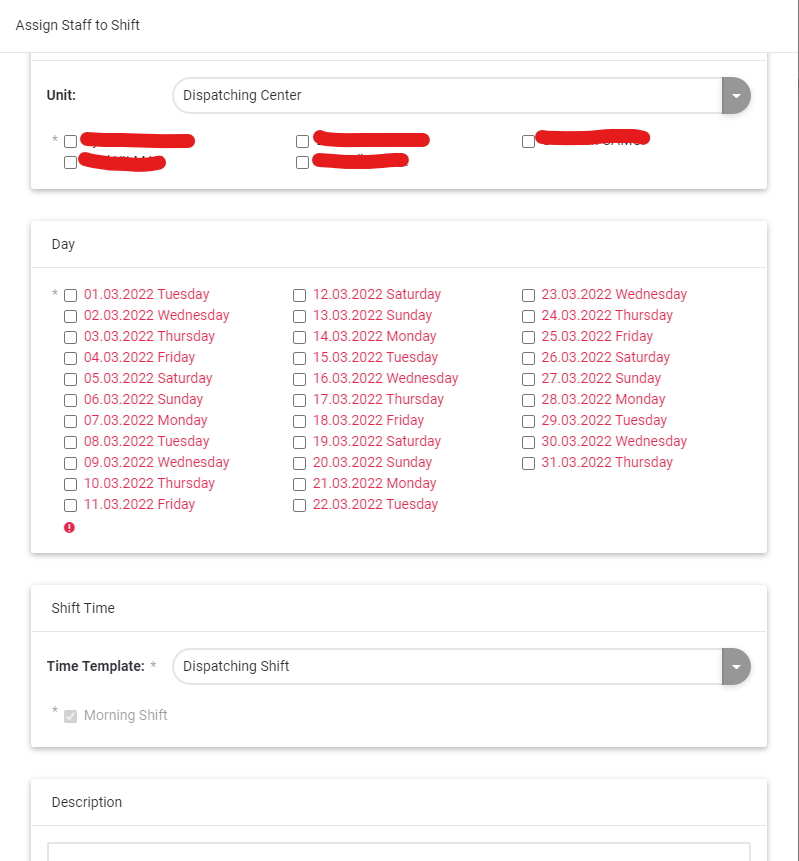
4.Day – Shift Timeframe Based
Click on the icon  under the selected day-shift timeframe. Staff assignment is made only for the selected day-shift timeframe.
a.Only all active staff members are listed.
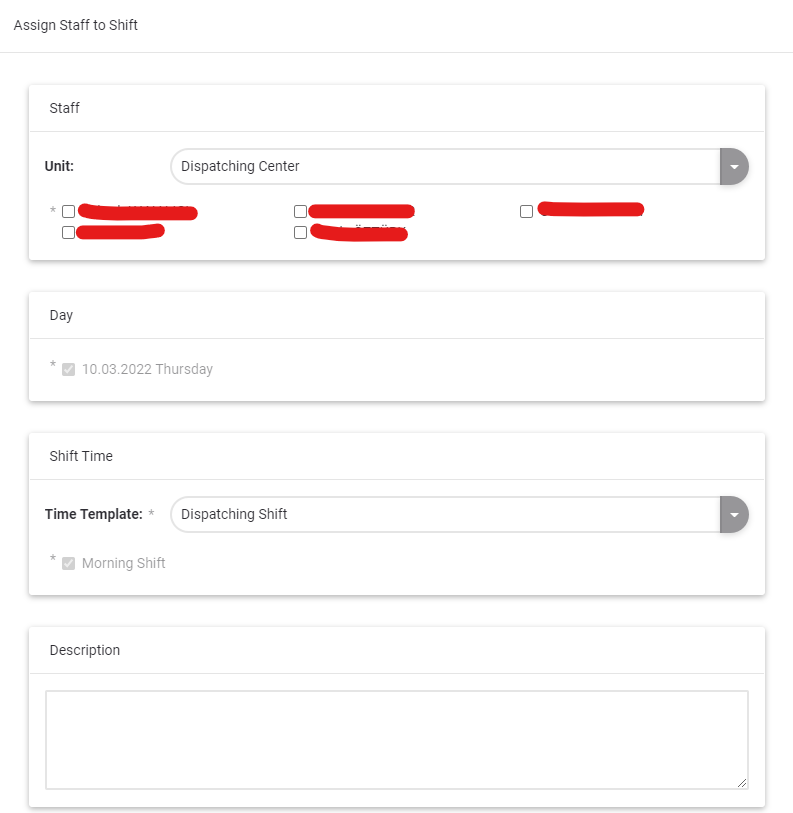
3.3Update Assignment
In this section, the following operations can be performed regarding the staff assigned to the shift.
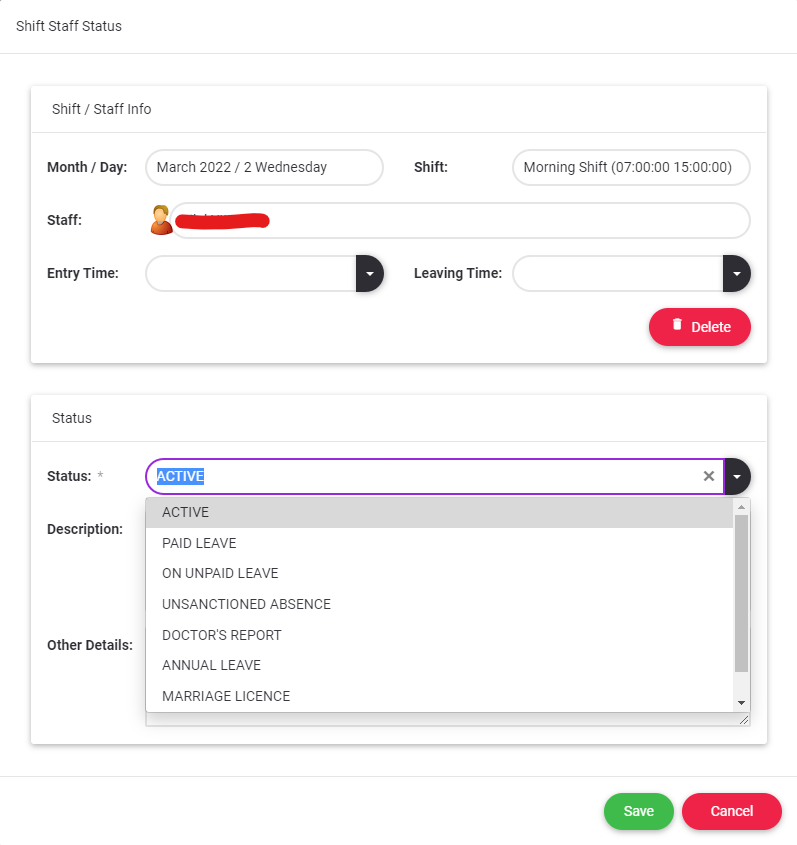
1.Staff status can be updated, description can be entered
2.Staff can be deleted from the shift
Click on the icon  on the line with the staff name. Staff shift information is listed on the screen that opens.
If the staff assignment has entry time or exit time or both that cannot be deleted from the schedule.