
Shift Setting
1 What is?
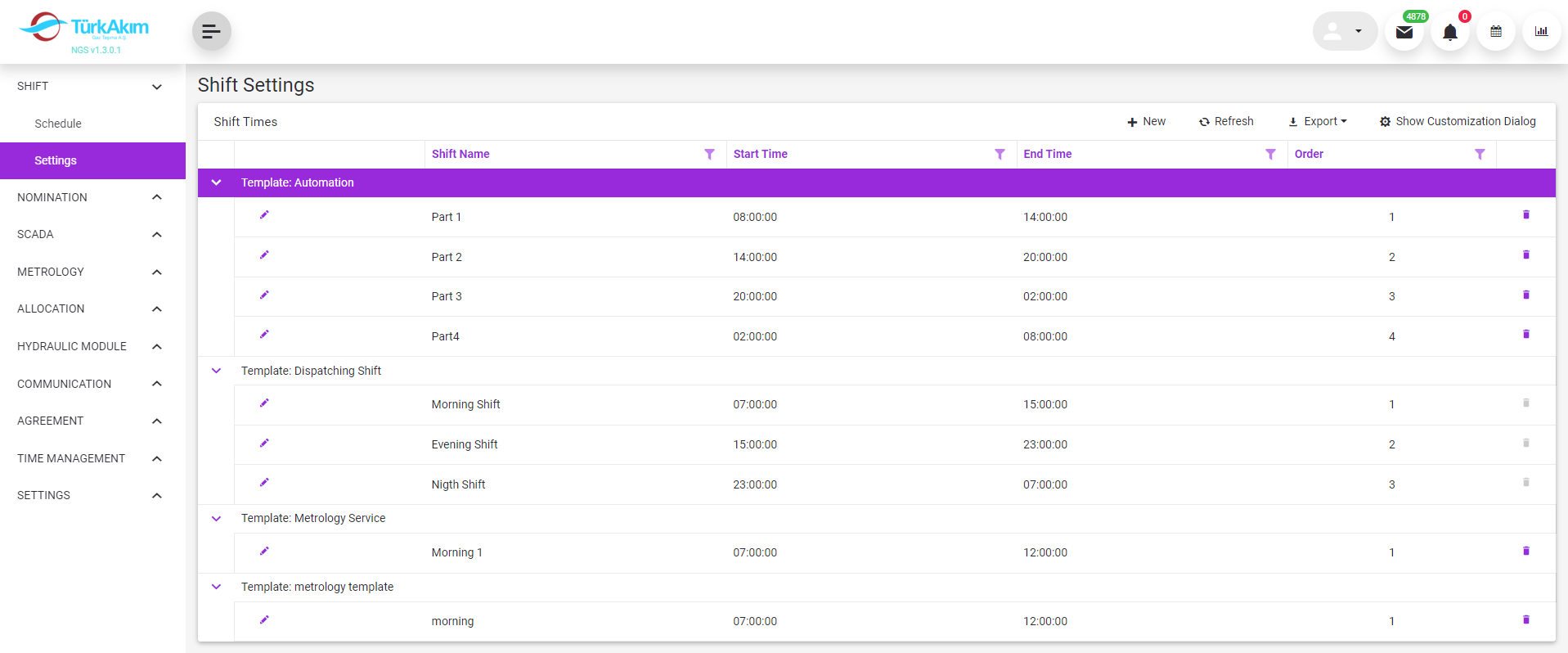
This submodule allows to define multiple template shifts for each department.
2 About whom?
Since the system is parametric, it is in a structure that can be changed by the authorized or the system administrator. But basically, this section has been developed for the use of:
This submodule is used by Dispatcher Director.
3 Main Features
In this module, defined template shifts are listed.
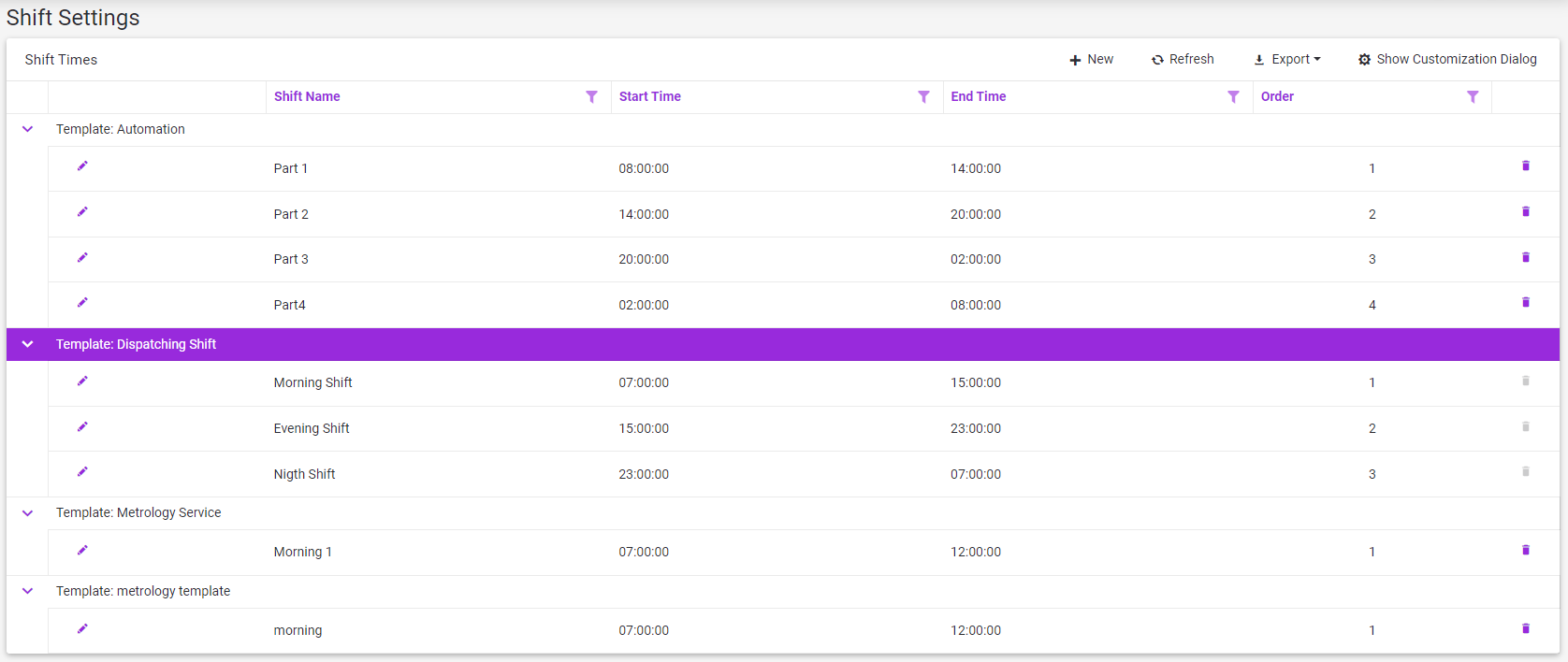
•A new record is defined with this  button.
•The defined record is edited with this  button.
• With this button  , the defined record is deleted.
•If the shift record is assigned as the shift of any month, it cannot be deleted. The delete button of the relevant record is disabled  .
.
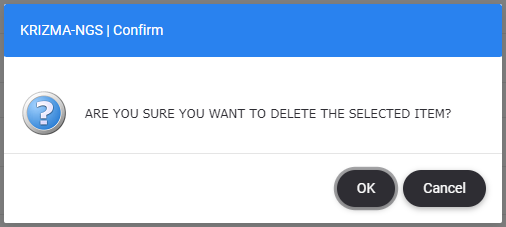
•Clicked on the Delete  button the confirmation form appears.
4 Sample Scenarios
4.1 Adding New Shift Time
1.Click to  button.
2.New Shift Time screen opens.
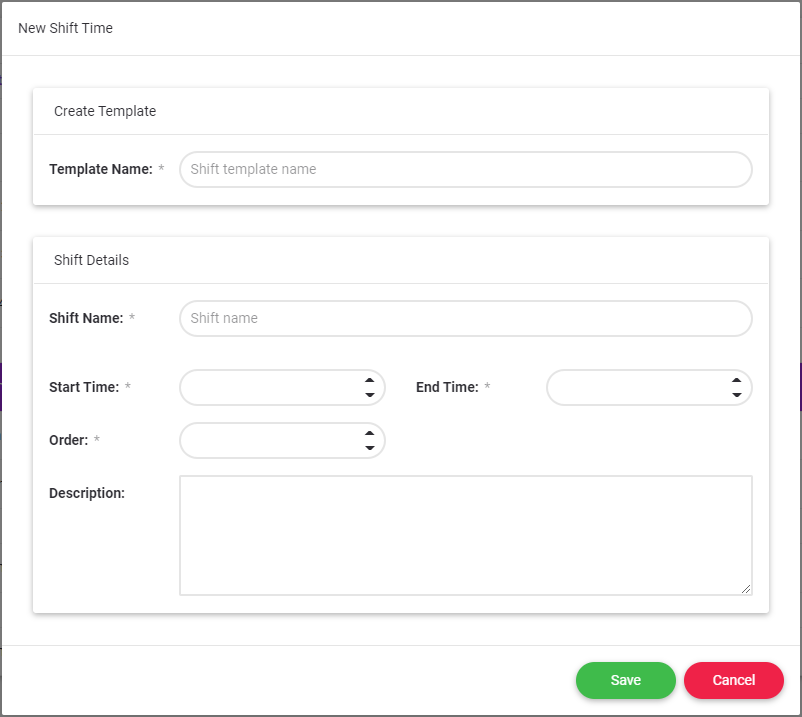
3.Some fields are required for data entry. These fields are indicated with * as below.

4.Template name can be department or unit name like "Dispatching Shift".
5.The shift name can be used to refer to any time zone of the day. For example, Morning Shift.
6. Order refers to the order between shifts defined under the same template title.
4.2 Editing New Shift Time
1.Click to  button .
2.Edit Shift Time screen opens.
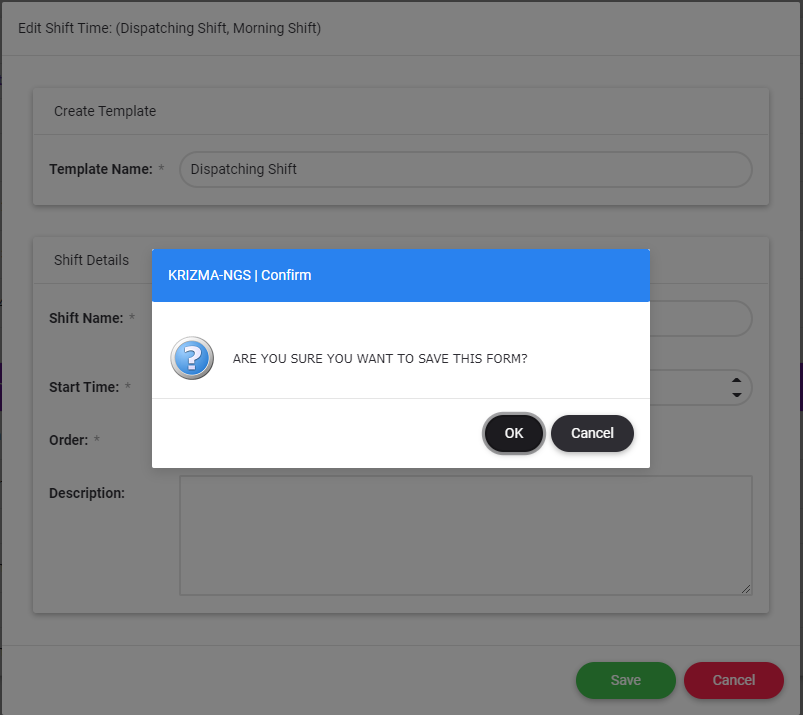
3.After clicking the  button, the confirmation form appears.
4.  button closes the screen without making any changes on the form.