
Paging
Why is pagination needed?
•Some network data is multiline.
•Loading these multi-row data and displaying it to the user takes more time and uses more system resources.
•To avoid this, the data is displayed page by page.
How to paginate?
•A new page is created after the specified number of rows for tables that need to display data in too many rows.
•Each page is assigned a page number.
•The user can access the next or previous pages by clicking on these page numbers.
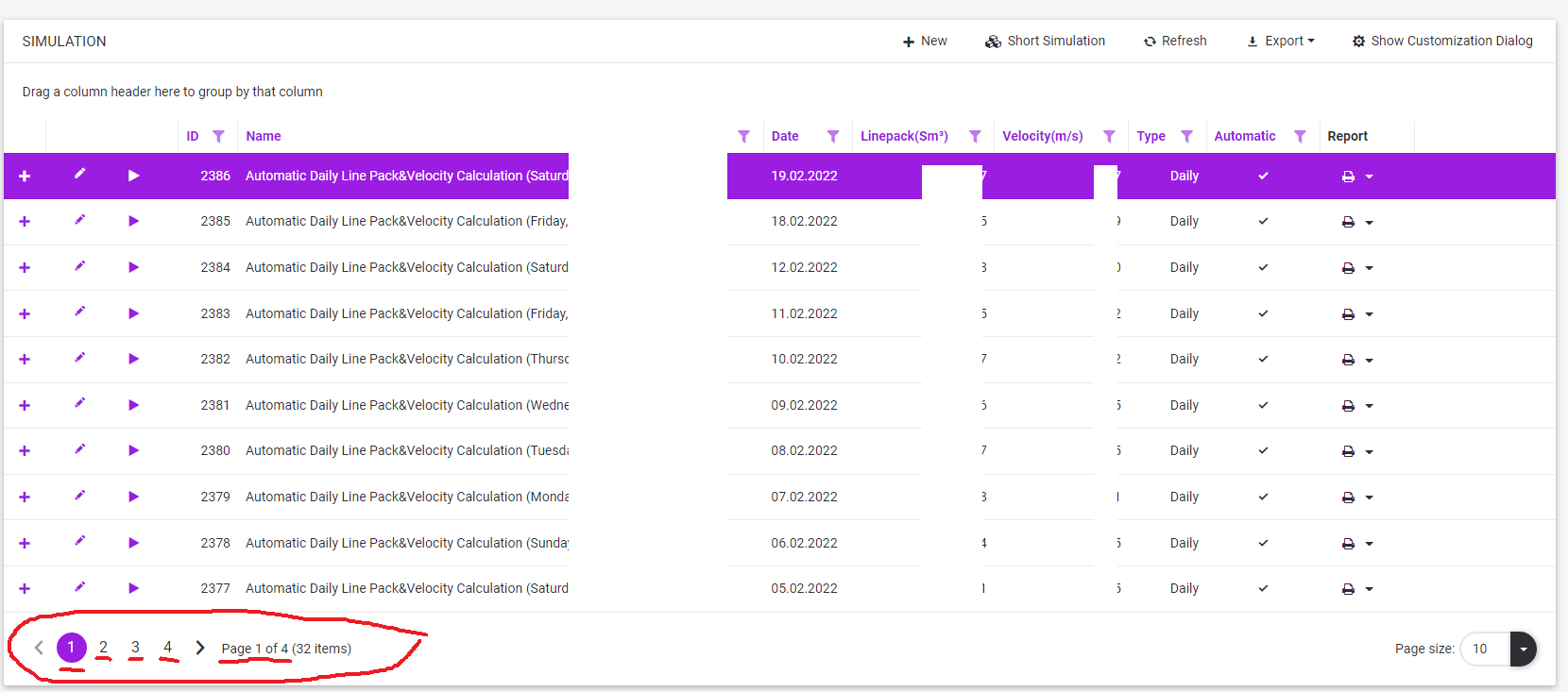
Using the footer of pages at the grid
•Footer sections

oPrevious-Next buttons
▪ It is possible to access the previous page with the button.
▪ It is possible to access the next page with the button.
oPages Number
▪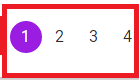 If the user clicks on any of the page numbers, the system displays the corresponding page.
oPages - Items Info
▪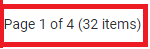 In this section, the total number of records, the total number of pages and which page is currently viewed are given.
oPage Size
▪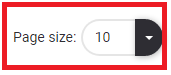 The current view shows how many records are paginated with a split.
▪When the user clicks the list buton  to the right of this section
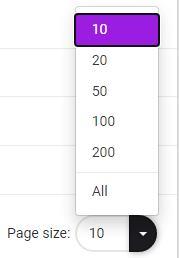
•Other paging options appear. If the user selects one, the pagination is redone based on that number.