Gas Year/Day SubModule
1 What is?
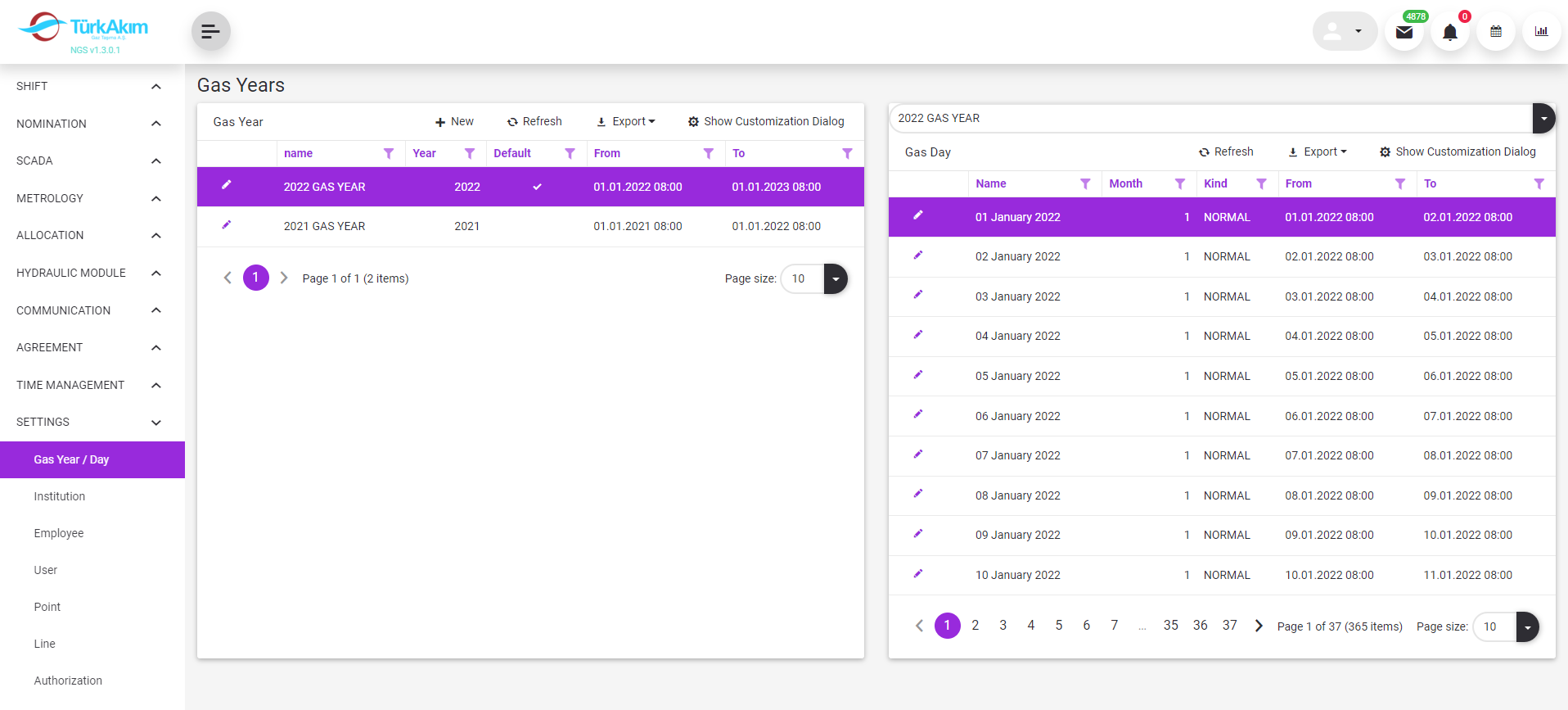
Gas Year: It is the time in which business processes will be active in the system. It covers a period of one year. The start and end dates can be changed by the System Administrator. Each transaction in the system belongs to a Gas Year.
Gas Day: It covers the one-day period in the Gas Year. It is denoted by G. While defining the gas year, Gas Day is automatically created by the system for 365 days.
Maintenance Management: For planned maintenance or extraordinary maintenance follow-up, the relevant gas is managed by a change in the day's condition.
2 About whom?
This section is used by Admin.
3 Main Features
3.1 Listing Features
3.1.1 Gas Year
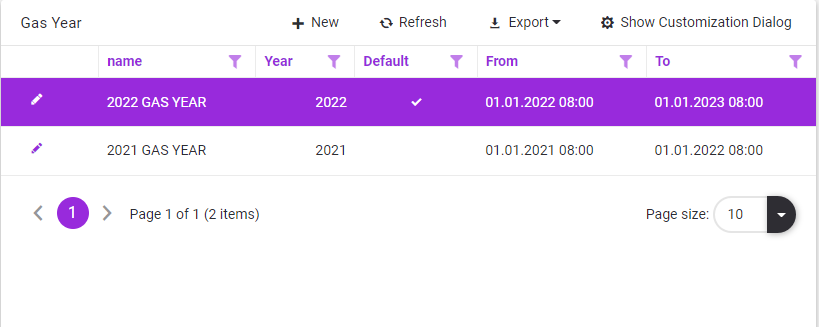
•A new gas year is defined with this button  .
.
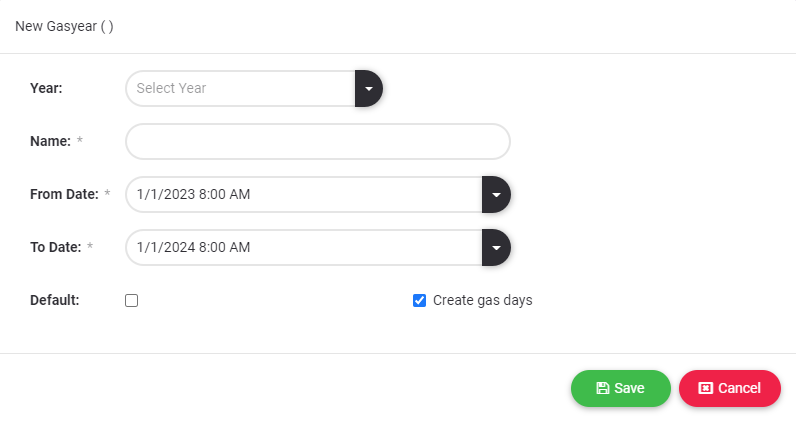
•The defined gas year is edited with this button  .
.
•The default gas year is marked as Default. 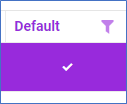
3.1.2 Gas Days

•Depending on the "Create Gas Days" option is selected while creating the gas year, all gas days of the gas year are created automatically with NORMAL type.
•The defined gas day is edited with this button.
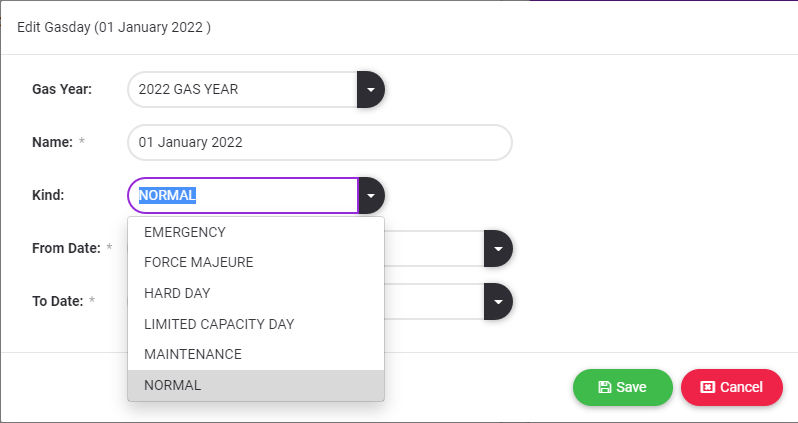
3.2 Maintenance Management
•All defined gas days are of NORMAL type. The type of gas day can be updated from this screen.