
Favorites
1 What is?
This submodule covers all reports which are defined in the system.
2 About whom?
This submodule is used by all users with user accounts.
3 Main Features
3.1 Creating New Report
Creating new reports takes place on the Report Resource definition page. Reports defined on this page are displayed directly in this report list.
3.2 Listing Features
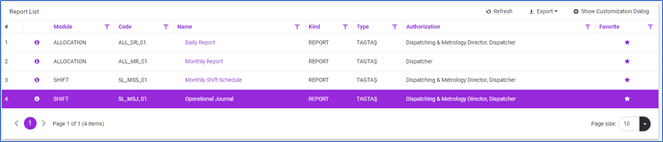
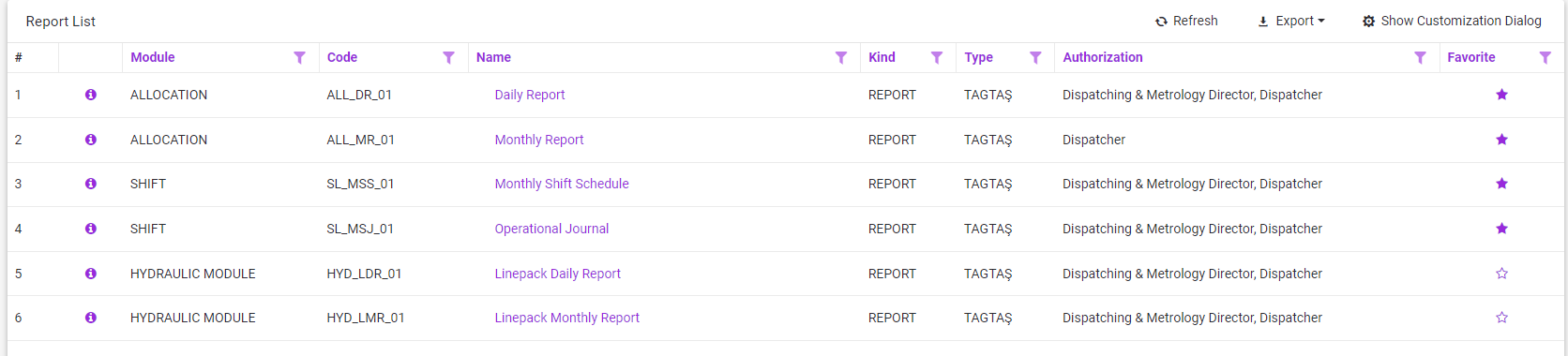
The listing shows all the defined reports with report's module, code, name, type, type, and authorized user roles.
 This button must be clicked to list favorites reports.
The user can add the reports he wants to access continuously to the favorite reports with the "Add to Favorites" option.
3.2.1 Export File
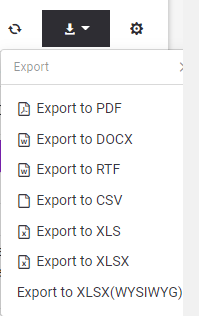
To export the report list to outside as a file, should be clicked export button and chosen appropriate file type.
3.3 Viewing Report
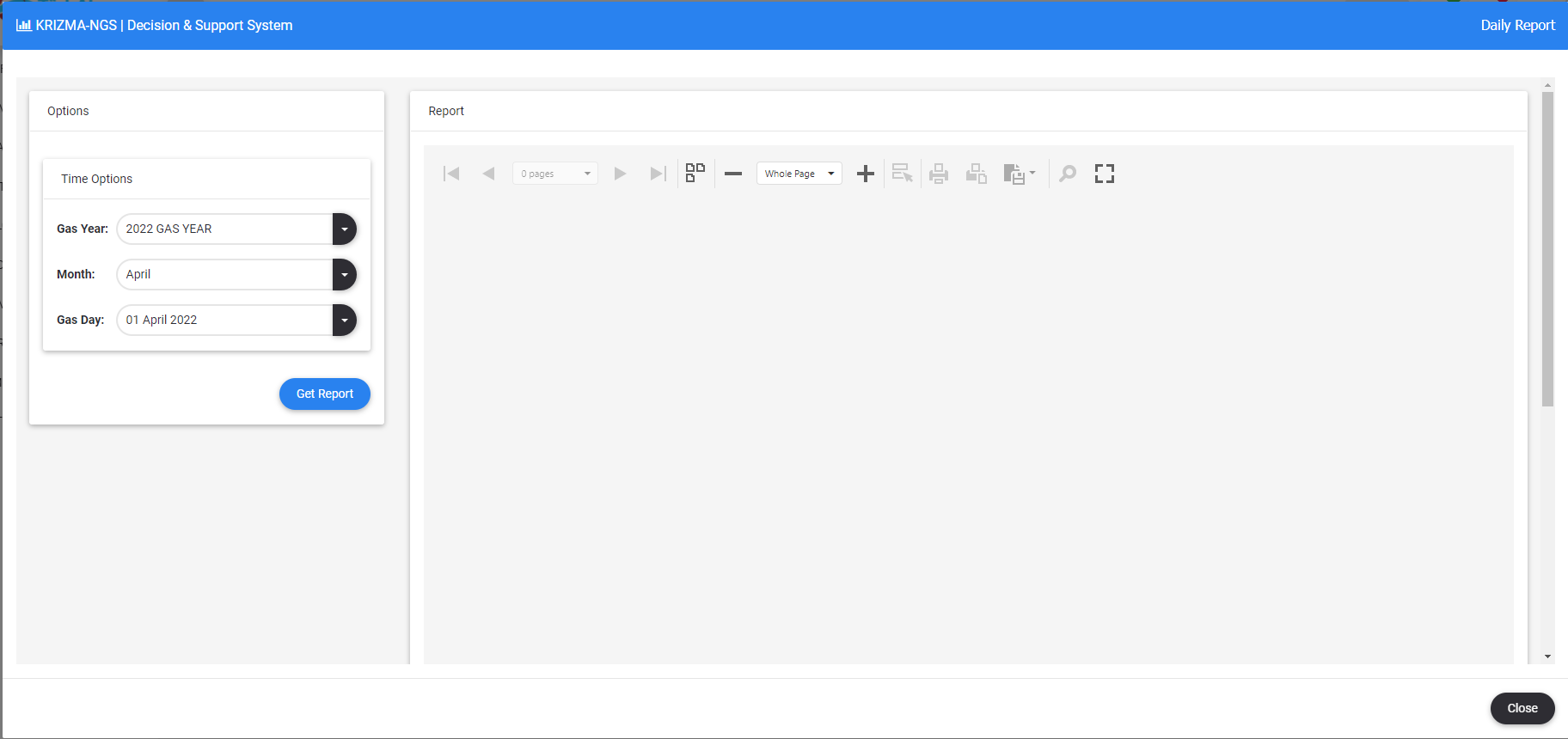
•Click on the name of the report you want to view.
•Each report's unique options are displayed.
•Depending on the selected options, the report is displayed by clicking the Get Report button. 
3.4 Report Toolbar

The following action button options are available in the report toolkit.
•Switch to first page
•Switch to previous page
•Jump to the next page
•Switch to last page
•Zoom in/out view
•Send to printer
•Save as file
•Search in report
•Show in full screen.